- [Case Studies](/category/case-studies)
- [eCommerce tips](/category/ecommerce-tips)
- [Online Store Solutions and Platforms](/category/online-store-solutions-and-platforms)
- [Mergado Pack](/category/mergado-pack)
- [Mergado tips](/category/mergado-tips)
- [Mergado News](/category/mergado-news)
- [eCommerce News](/category/ecommerce-news)
- [How to use Mergado](/category/how-to-use-mergado)
- [Interviews with e‑commerce gurus](/category/interviews-e-commerce-gurus)
- [Extensions](/category/apps-bidding-image-marketing-and-more)
- [Expansion with Mergado](/category/expansion-with-mergado)
- [Mergado Lifestyle](/category/mergado-lifestyle)
1. [ Home ](/)
2. [ Mergado Blog ](/blog)
3. **Feed Image Editor introduces many powerful features**
# **Feed Image Editor introduces many powerful features**
[  Petra Marková ](/blog/petra-markova)
19. 2. 2020
2 minutes read

The January **release** of the [Feed Image Editor](https://www.feed-image-editor.com/) app brings a lot of new functionalities that will **simplify your work with image advertising**. Image marketing can be mastered in just a few clicks, thanks to an improved user interface and improved background processes. We’ll show you how.
function tableOfContents() {
return {
headings_menu: [],
heading_active: '', // Added to track the active section
shouldBeSticky: false,
generateToC() {
const headings = document.querySelectorAll('.js-article-full-headings h2, .js-article-full-headings h3');
let headingMap = {};
headings.forEach((heading) => { // Use an arrow function to maintain `this` context
// Normalize heading text to remove diacritics, then replace non-alphanumeric characters with dashes
var normalizedText = heading.textContent.normalize("NFD").replace(/[\u0300-\u036f]/g, ""); // Remove diacritics
var id = heading.id ? heading.id : normalizedText.trim().toLowerCase()
.split(' ').join('-').replace(/[^a-z0-9\-]/ig, ''); // Updated regex to replace non-alphanumeric characters
headingMap[id] = headingMap[id] !== undefined ? ++headingMap[id] : 0;
// Use the updated `id` with diacritics removed for the heading id and the TOC
const finalId = headingMap[id] ? `${id}-${headingMap[id]}` : id;
this.headings_menu.push({
id: finalId,
title: heading.textContent,
level: heading.tagName.toLowerCase(), // Track heading level
active: false, // Initially set active to false
});
heading.id = finalId;
});
},
checkStickyNeeded() {
const ul = this.$el.querySelector('ul');
if (ul) {
this.shouldBeSticky = ul.scrollHeight < window.innerHeight;
}
},
setActiveHeading() {
// disabled not working with active state on click
// add @scroll.window="setActiveHeading()" to the parent div
// const headings = document.querySelectorAll('.js-article-full-headings h2');
// let activeHeading = '';
// let closestHeadingDistance = Infinity;
// headings.forEach((heading) => {
// const rect = heading.getBoundingClientRect();
// const offset = rect.top - window.innerHeight / 2; // Consider heading in the middle of the screen as active
// if (offset < 0 && Math.abs(offset) < closestHeadingDistance) {
// activeHeading = heading.id;
// closestHeadingDistance = Math.abs(offset);
// }
// });
// // Update the active state in headings_menu
// if (activeHeading !== this.heading_active) {
// this.headings_menu = this.headings_menu.map(item => ({
// ...item,
// active: item.id === activeHeading,
// }));
// this.heading_active = activeHeading;
// }
},
setActiveItem(clickedId) {
this.headings_menu.forEach(item => {
item.active = (item.id === clickedId);
});
this.heading_active = clickedId; // Optionally update the heading_active property if used
},
};
}
1. —
The January **release** of the [Feed Image Editor](https://www.feed-image-editor.com/) app brings a lot of new functionalities that will **simplify your work with image advertising**. Image marketing can be mastered in just a few clicks, thanks to an improved user interface and improved background processes. We’ll show you how.
## The app welcomes new and more useful tools
One of the biggest news is **the** **canvas** has been **enlarged** **by up to 35 %**. With that, the creative editing of the images gains more space.
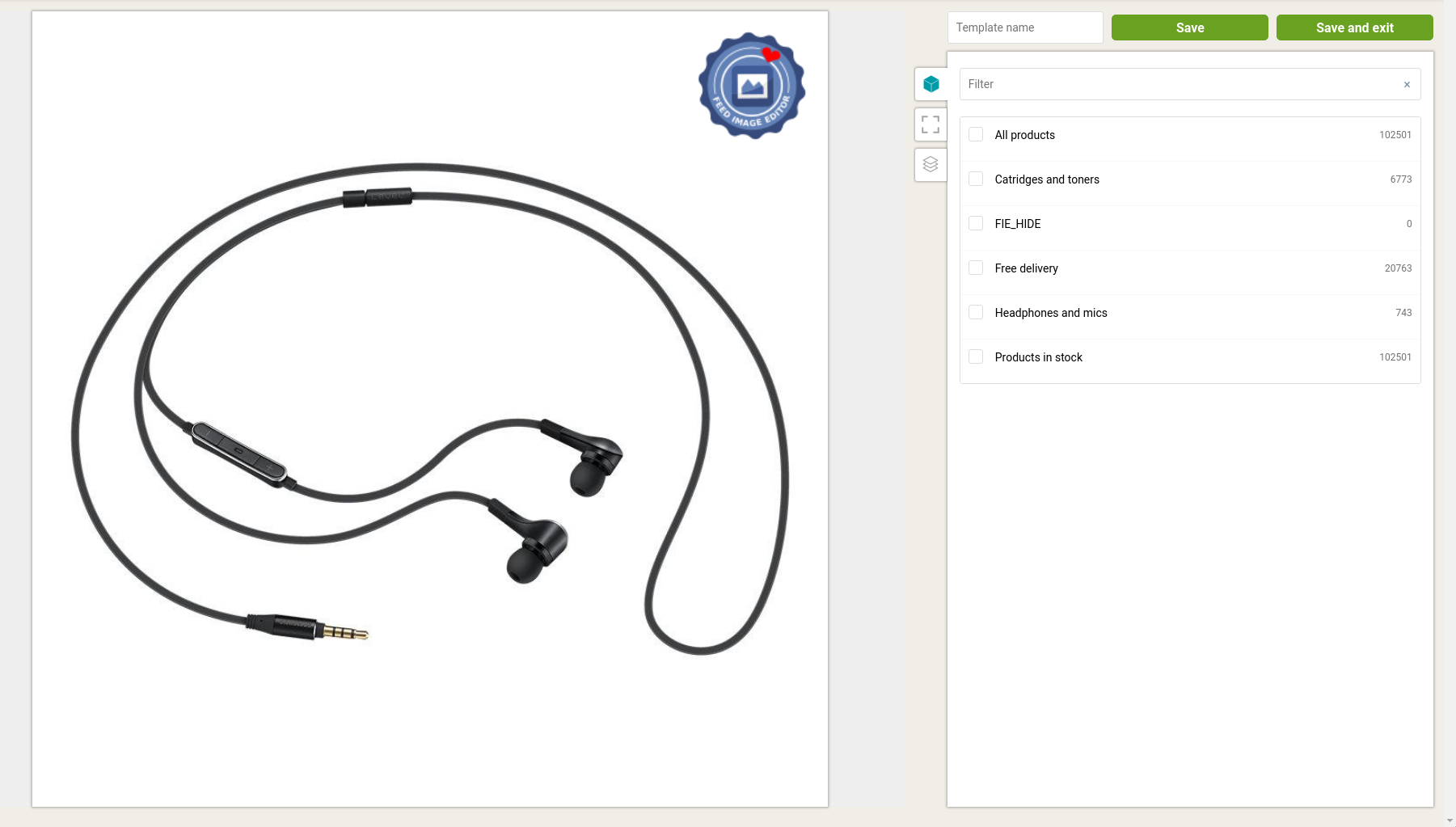
Control panels have also been improved. The right side has got **a clear product tab and new functionalities**. Those are displayed in the list above, with the number of products currently applied to the template.
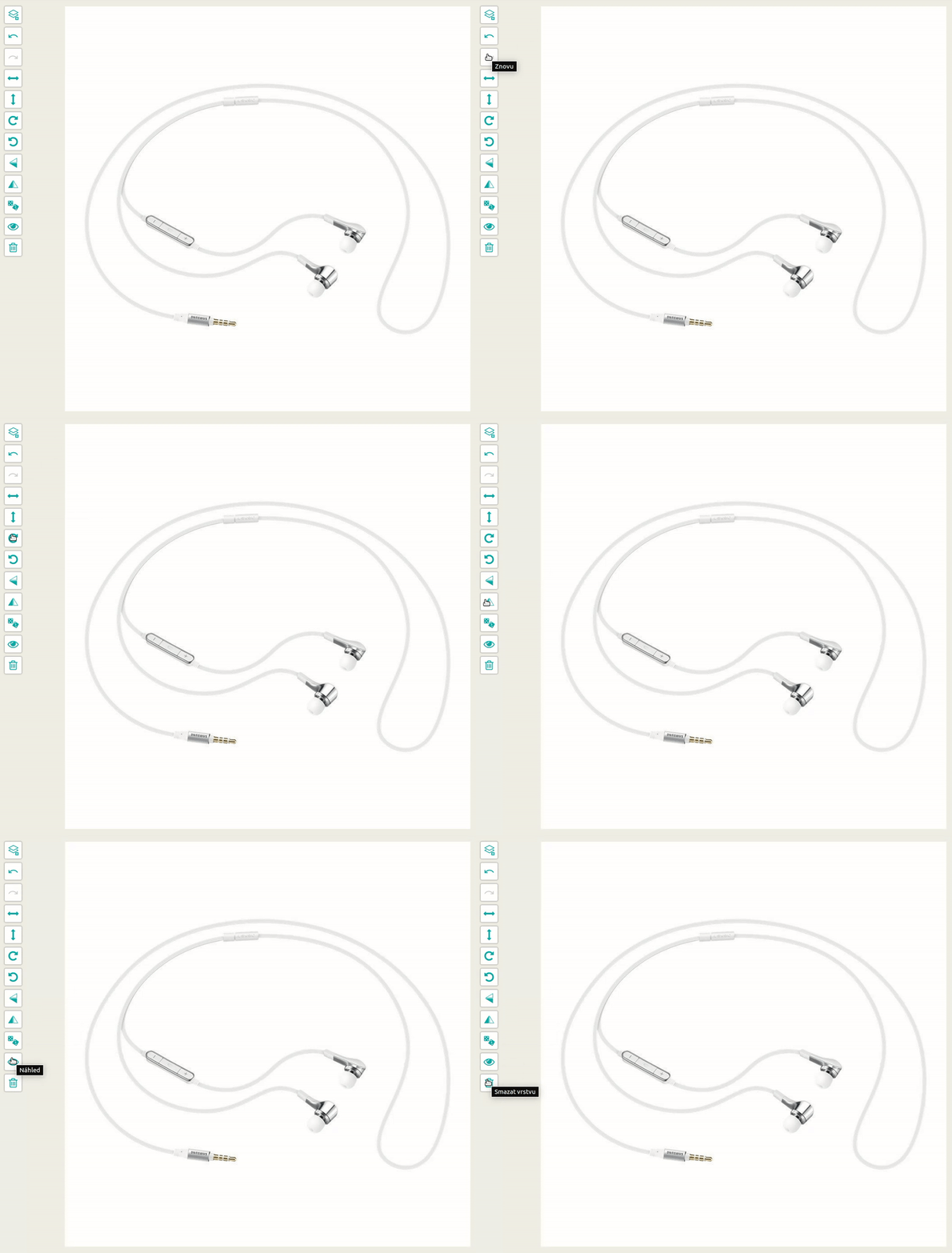
The left panel, which contains the most used platform control tools, has been customized for **more efficient layer manipulation**. That puts the most important tasks, like centering, rotating or flipping the image, right at hand.
[  ](https://www.mergado.com/sites/default/files/perm/paragraph-image/tlacitka.gif)
### Explore a wide range of styles and fonts
FIE has added an extensive stock of editing styles and improved settings. In **Live** **View**, you can choose the font first and then the style itself. **New layer adjustment panels** add fluidity to the entire application. The control fields are currently sorted by work order.
The latest addition to the app is **creating a template in a variety of sizes**. That means the elements in the layers also adapt to change the format.
[  ](https://www.mergado.com/sites/default/files/perm/paragraph-image/screenshot20200219090228.png)
The way to perfect image advertising leads through a precise adjustment of product photos. Not sure where or how to start? Follow the [Feed Image Editor blog](https://www.feed-image-editor.com/blog), which introduces each process step by step.
### **You could be also interested in:**
[ 
### What should a proper client context look like for performance specialists?
](/blog/master-prompt-eshopy-b2c)
[ 
### How Feed Optimization Unlocked Meta Ads Performance without Increasing Ad Spend
](/blog/feed-optimization-for-meta-ads)
[ 
### How to Sell Successfully on idealo
](/blog/successful-sale-on-idealo)
[  ](/blog/petra-markova)### [ Petra Marková ](/blog/petra-markova)
With her melodious Slovak language skills, copywriter Petra takes care of the Slovak market. She texts, blogs, translates and passionately creates content on social networks. And when she’s not looking for the right words, she dedicates time to her residential jungle, baking, cafes, or traveling.
## What you *might be interested in next*
[ 
### What should a proper client context look like for performance specialists?
](/blog/master-prompt-eshopy-b2c)
[ 
### How Feed Optimization Unlocked Meta Ads Performance without Increasing Ad Spend
](/blog/feed-optimization-for-meta-ads)
[ 
### How to Sell Successfully on idealo
](/blog/successful-sale-on-idealo)
## Don’t miss *anything*
Sign up for our newsletter
By logging in, you agree that we will process your data by the [terms of personal data protection](/cookies).
Thank you, you have successfully joined our subscriber's list.
function ml_webform_success_5807248() {
var r = ml_jQuery || jQuery
r('.ml-subscribe-form-5807248 .row-success').show(), r('.ml-subscribe-form-5807248 .row-form').hide()
}