

Mergado MCP
Mergado MCP is a bridge between your AI chat and Mergado. Instead of clicking around in the editor, you tell Claude, ChatGPT, or another AI assistant what you need, and it does it in Mergado for you. You don’t need to know rules, regular expressions, or feed structure. You just need to know your goal.


Time savings
Handle bulk and complex tasks in minutes instead of hours.

Mergado for everyone
You don’t need to understand Mergado, AI knows the rules and structure for you.

Error-free
Process thousands of products without a single mistake.

Permanent automation
Set it up once with the agent, the rules and selections then keep running automatically in Mergado.

Data in one place
By connecting with Facebook Ads, Google Ads, and other tools, the agent gets an overview of your entire campaign at once.
What can Mergado MCP do?
Mergado MCP is a standard MCP (Model Context Protocol) server that allows you to analyze and edit your data in Mergado directly from a chat interface using AI agents such as ChatGPT, Claude, Cursor, n8n, and others. You don’t need to know Mergado, and you don’t have to click around in the editor. The agent does it for you.
At the same time, the agent doesn’t touch your data directly. It uses Mergado’s queries, rules, and audit tools, which are built to handle large volumes of data. This keeps feed processing fast, cheap, and accurate even with huge catalogs – no hallucinations, unfinished edits, or unplanned changes to your data.
What’s more, once set up, rules or selections keep running even without the agent. Tomorrow, in a week, in a month. No need to set them up again, no extra AI costs.
Simple connection to Claude, ChatGPT, and Cursor
- Easy and fast setup, no coding required.
- The agent gets access to your entire Mergado account – projects, rules, feed.
Even smarter agent: Mergado Skills
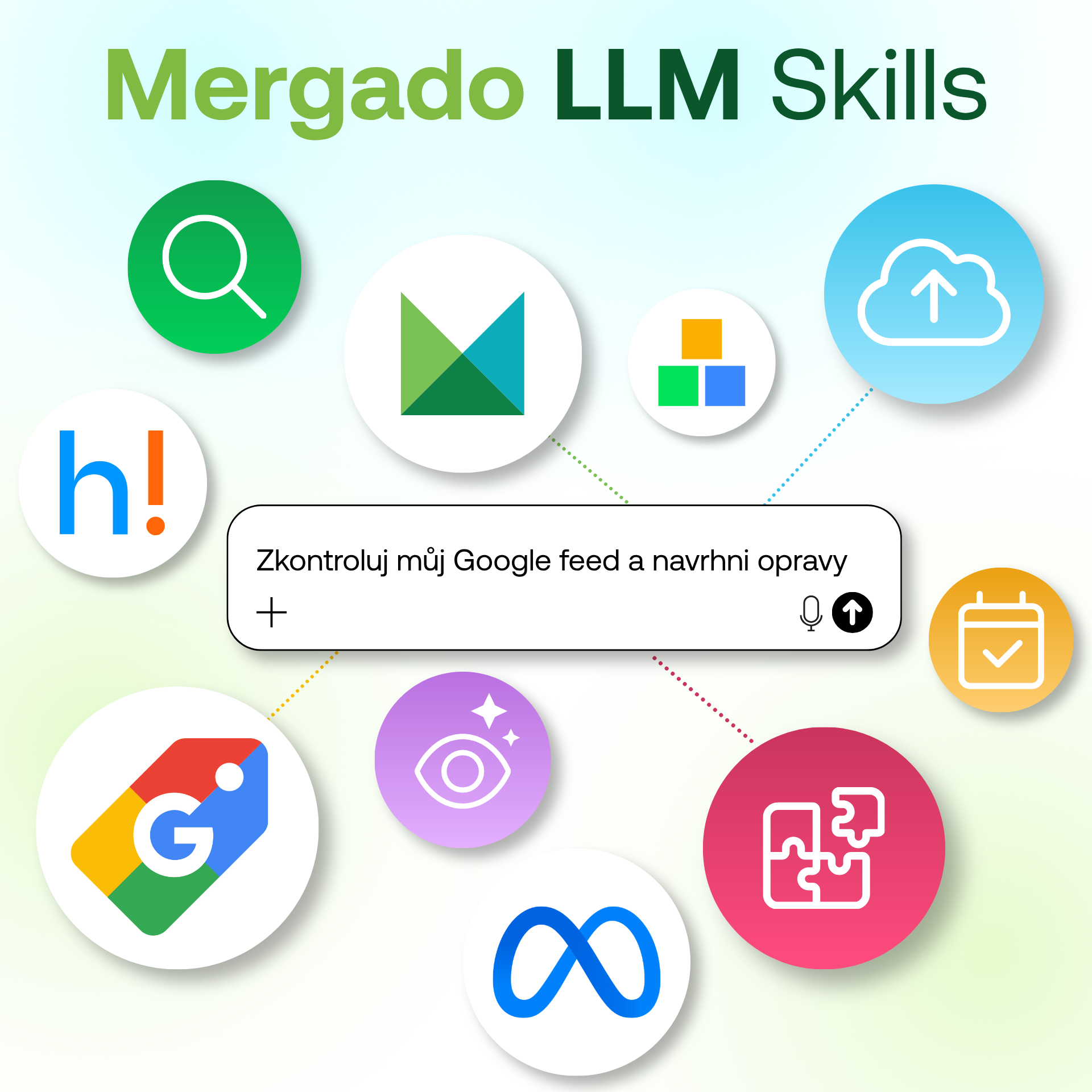
To help the AI agent know exactly how and when to use each tool in Mergado, we’ve prepared a set of skills. Guides that tell the agent what to do in a given situation. A skill activates automatically whenever you’re working with the agent on things like Google Shopping errors, filling in missing values, or importing a new online store, and it first gets oriented in the project and discusses the solution with you. Only after your confirmation does it make the changes itself.
To learn what skills can do and how they save you time, visit the Mergado Skills page.
You can find the skills in two places:
Mergado MCP in practise
Project backup and restore
Mergado MCP has access to your entire project configuration through the API. This means it can create a backup of it and restore it again if needed.
We recommend this as a first step as soon as you start working with Mergado MCP. Have all your projects backed up regularly. Downloading a project’s state costs nothing, giving you a safety net that Mergado didn’t offer before.
Bulk creation of elements and variables
Need to connect data from a spreadsheet with dozens or hundreds of columns to your project in Mergado? Normally, that means clicking through and creating each element and variable one by one – which can take hours. With Mergado MCP, an AI agent can do it via the API in a matter of minutes. Anything you’d normally click through in the editor, you can simply tell the agent to do for you.
Automatic parameter extraction
Do you have parameters (size, material, color) hidden in product descriptions or titles that you need to move into separate elements? In Mergado, this means creating a rule that finds the right part of the text in the description and moves it into an element. But it has to work across dozens of different description variants, which takes time and knowledge of regular expressions. An AI agent handles this without any trouble.
Smarter feed auditing
Mergado Audit checks whether your feed contains the required and recommended elements and whether their values are valid. What it can’t tell, though, is whether a value actually makes sense – for example, whether the selected Google category is really the best fit. Through MCP, an AI agent can also look at the product title, product type, and all the surrounding context, and use that to suggest a better category. This gives the audit a second, more comprehensive layer of checking. You can even just tell it “audit and fix” and let it get to work.
Working with data across projects
Thanks to Mergado MCP, an AI agent can see into multiple projects at the same time. That means it can work with data from a project containing your product feed and, at the same time, data from a project where you store customer reviews. Previously, you had to import all the data into a single project to work with it together. Now the agent connects the context of both projects itself – it looks at which reviews exist for which product and can use them, for example, to rewrite descriptions or fill in other elements.
Seasonal and other advanced product segmentation
Do you sell seasonal goods, but your feed doesn’t specify what’s “summer” and what’s “winter”? Google campaigns can then easily start pushing budget toward products that aren’t actually in demand right now. The agent goes through the feed, works out which elements hint at seasonality, and automatically sorts and tags the products accordingly. The correct labels then carry over into your campaigns, so budget goes toward the products people are actually buying at that moment.
Connecting with other MCPs
Once you have Mergado MCP connected to your AI agent, you can add other MCP servers as well (for example, for Facebook Ads or Google Ads). This lets the agent, for instance, check diagnostics on Facebook, find catalog errors that Mergado’s audit didn’t catch, fix them itself, and create matching segmentation in Mergado based on your campaign performance. All without any manual data import between systems.
Mapping and importing supplier feeds
Connecting a new supplier is usually a demanding task for most people – different formats, non-standard structures, missing columns, different categories. The agent can map a supplier’s feed to your online store’s structure, and if you give it access to your website’s categories, it can slot products directly into the right ones. A task that used to require an experienced specialist can now be done much faster with an AI agent.
You’re in control
Depending on the permissions you grant the agent, it can do the following in Mergado:
- read – projects, rules, products, statistics, audit results, and processing history
- edit – create and change rules, products, elements, queries, variables, and projects
The agent can also work with audit results – for example, suggesting and applying fixes for errors identified by the audit.
You can find a list of the specific tools available to the agent after connecting here: https://mcp.mergado.com/
At the same time, API access in Mergado also lets the agent delete data. So the first time you use it, always have it back up your project first. Just tell the agent something like “back up my project settings so I can roll back if something goes wrong.” Mergado MCP can easily download and restore backups. One extra sentence, and you’re covered.
Try Mergado MCP today
- You don’t need to know Mergado in detail. Just describe what you want to your AI agent, and it will take care of the rest.
- You can find a detailed guide to connecting your AI agent with Mergado MCP, along with security information, in the help center.