

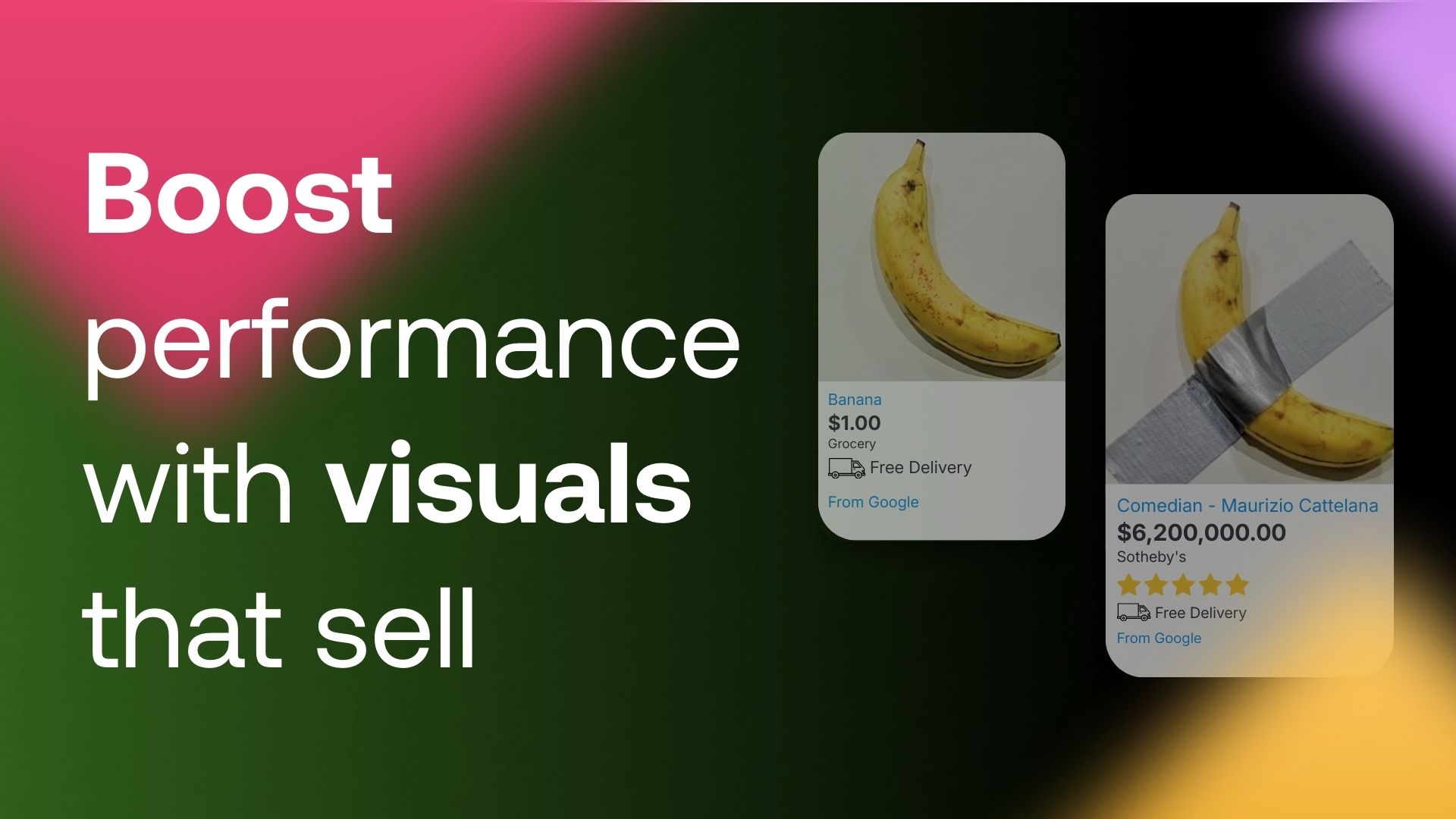
1. Technical basics: resolution and composition
A poorly cropped product or a blurry image is money down the drain. Make sure the product on your banner is neither tiny nor awkwardly oversized.
In practice: Regularly review your ad previews. If the product isn’t clearly visible, people won’t click and you’ll end up paying for impressions with no results.
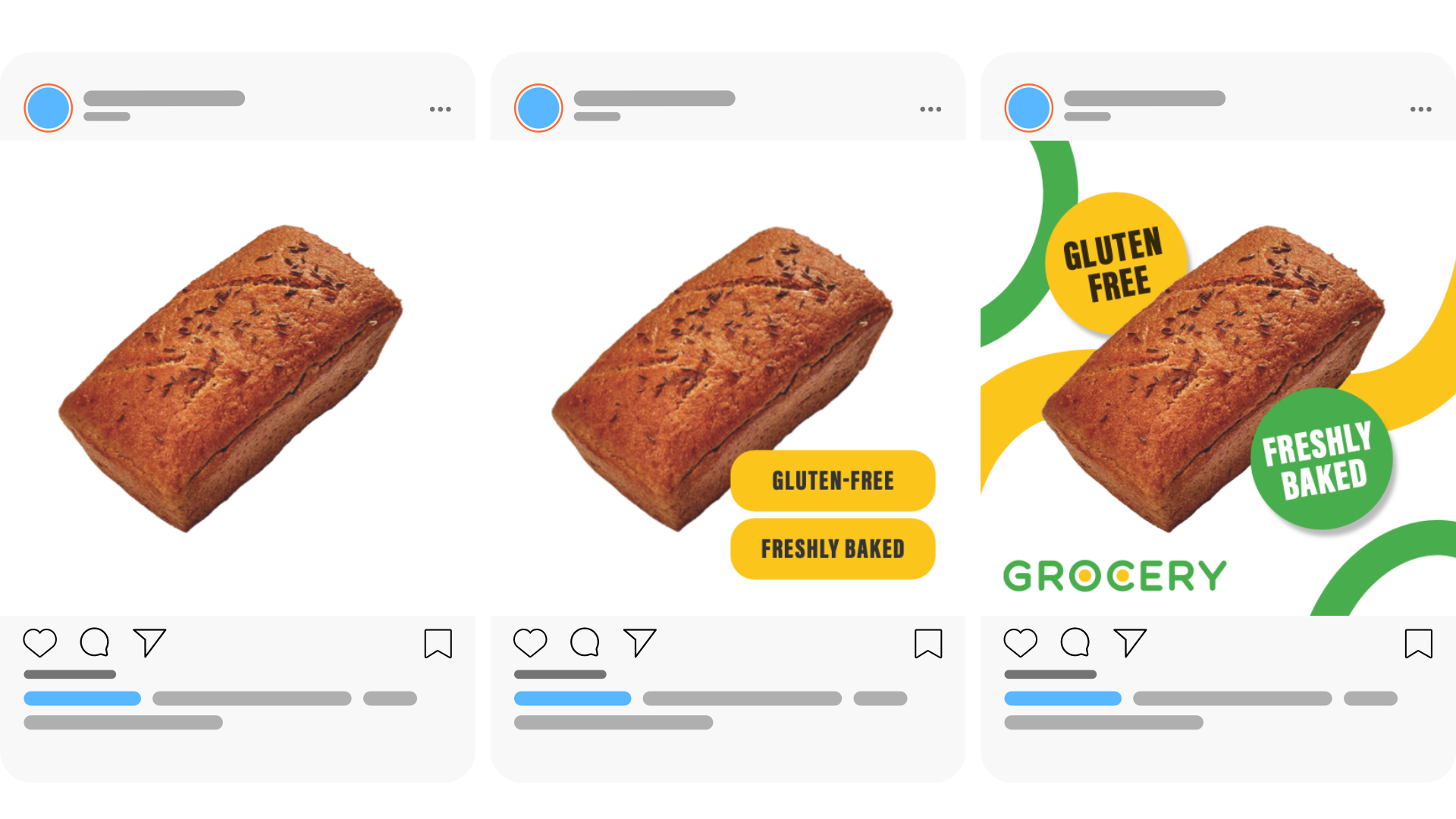
2. Follow platform rules (and save yourself time)
Each platform (Google, Meta, Pinterest, Heureka) has its own requirements. If Google demands a white background, generate it automatically in advance.
In practice: Remove backgrounds from product photos in bulk in your feed editor. You’ll avoid ad disapprovals and stop having to fix images one by one.
3. Use the power of dynamic brand assets
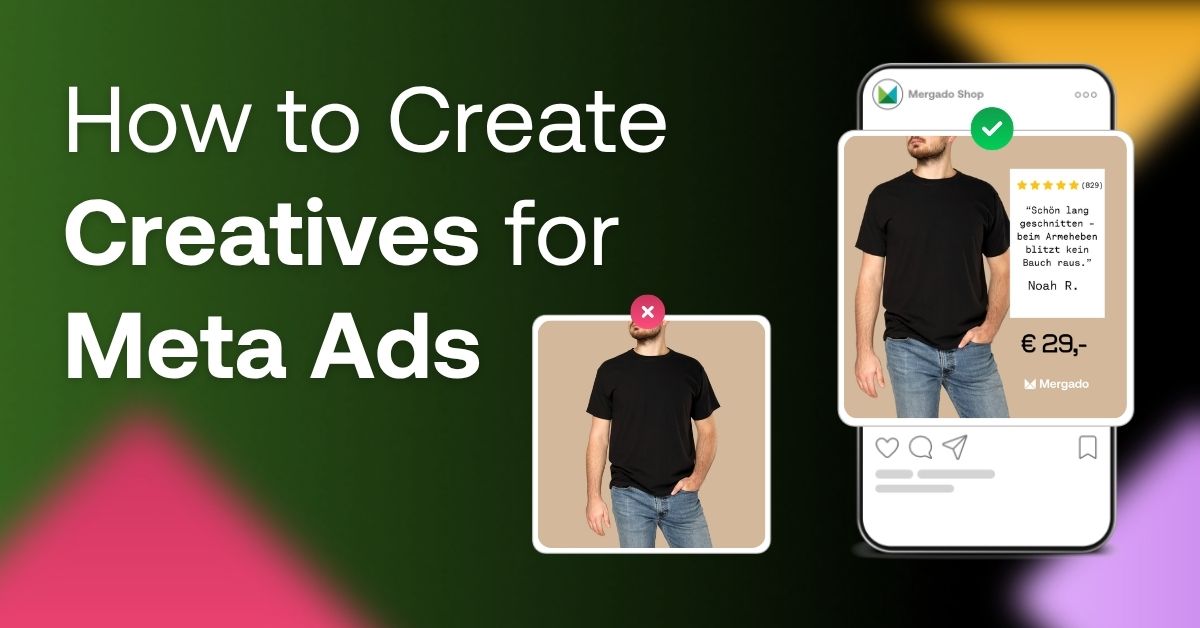
You don’t need a full-time designer. You can dynamically add your logo and brand colors to banners directly from your feed.
In practice: Add current promos right into your images (Free Shipping, Back to School, January Sales). If you include “Delivered by Christmas” with a specific date, you’ll reduce customers’ fear of late delivery.
4. Build your brand “along the way”
Banner ads aren’t only about clicks. Even if users don’t click, they still see your logo.
In practice: The more often your logo appears in a clean, professional format, the more firmly it sticks in people’s memory. That increases the chance they’ll remember you when they’re actually ready to buy.
5. Plan ahead (seasonal automation)
Don’t leave seasonal promotions to the last minute. Use a marketing calendar and set your campaigns up in advance.
In practice: Create a dynamic rule – your Easter campaign starts exactly 7 days before the holiday and ends on Monday evening. Everything runs automatically while your competitors are stressing out.
6. Collages: show more than just the packaging
People don’t buy a box – they buy what’s inside and the benefit it delivers. Collages help reduce questions and returns.
In practice:
- Tools: Show the drill, the battery, and the case in one image.
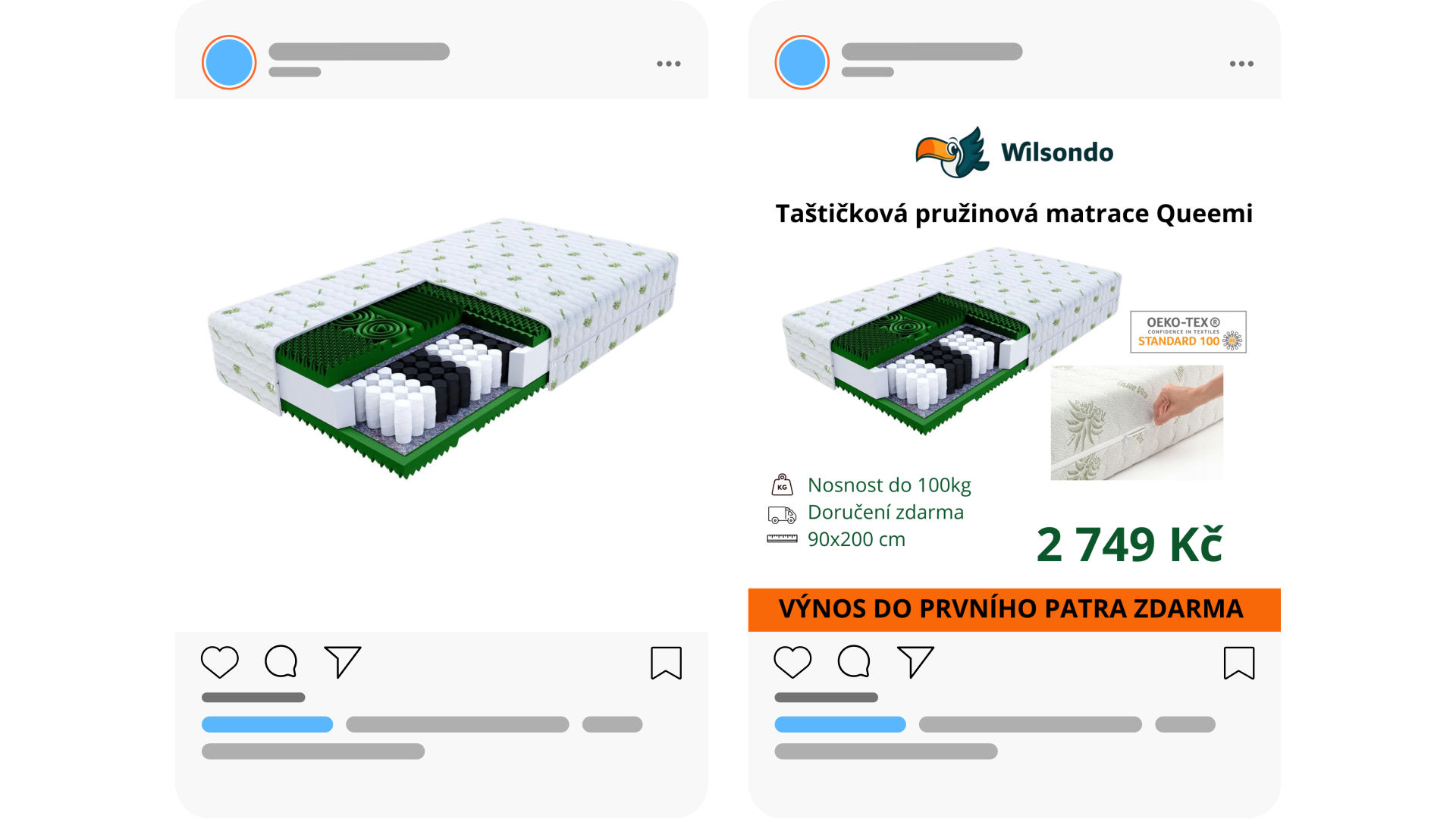
- Mattresses: Show a material close-up, firmness, and cleaning instructions.
- Fashion: Show the product from the front and back, plus a close-up of texture/fastenings.
Bonus: Promotional Marketing Calendar
Use Feed Image Editor for higher-performing creatives.
- Edit thousands of images in just a few clicks and boost campaign performance with consistent visuals.
- Try it free for 30 days.